Jogg

Podcast video planning

Plan a jogg ai podcast video from your episode idea

A jogg ai podcast project starts with a choice: what should viewers see while they listen? Use Jogg to frame the episode as a clear video brief, then check the result against your audio, audience, and publishing rights.

Free to start · no signup

Why an audio-first idea can stall on screen

A strong conversation does not automatically tell an editor what to show. Pick a viewing format before writing a visual brief.

Give new listeners a reason to press play

A preview needs a premise, a memorable moment, and a next step. For a Jogg brief, identify the exact excerpt you want to feature and explain why it matters without revealing the whole conversation. Keep the visuals focused on the guest, topic, or a few supporting images rather than trying to illustrate every spoken sentence.

  • Choose one hook from the recorded episode.
  • Write a closing line that points to the full episode.
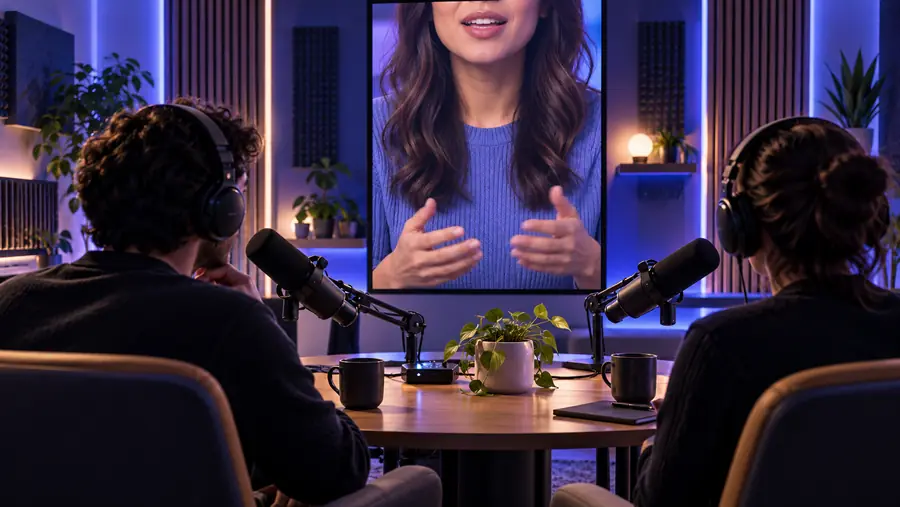
Illustrative podcast video scene with a presenter on screen

Build a visual rhythm that lasts

A longer podcast video needs more than a repeating background. Mark topic changes, speaker turns, and places where a title card or relevant image would help. Jogg can be part of planning that structure, but review the finished sequence against the recording so visual changes do not imply that someone said something they did not.

  • Outline chapters before choosing visuals.
  • Reserve on-screen text for names, topics, and useful context.

Make a short clip understandable on its own

Someone encountering an excerpt may never have heard the podcast. Supply the speaker's name, the question being answered, and enough context to make the selected line fair. For a Jogg project, treat captions and framing as editorial decisions that need a final human check, especially when a short cut could change the speaker's meaning.

  • Start with the question or claim the clip addresses.
  • Check the cut against the surrounding conversation.
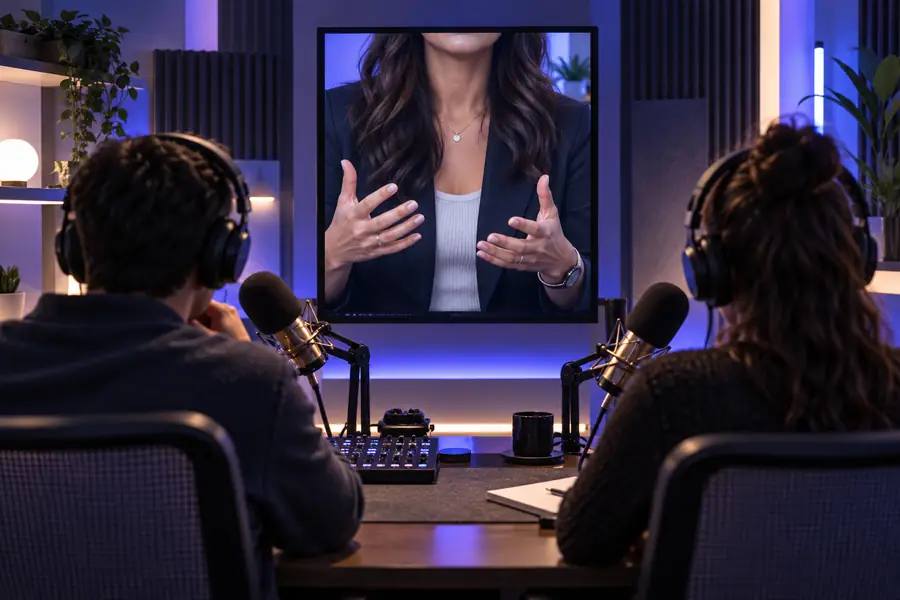
Illustrative short-form video scene for sharing an episode excerpt

Three concrete workflows for podcast video

Choose the workflow that matches the material you actually have; an outline, a recording, and a product interview call for different briefs.

Independent host

You have a recorded interview and want a short introduction before sharing the full podcast. Pull one accurate quote, note its timestamp, and draft a visual hook around the guest's central idea. If you want an on-screen presenter, explore jogg ai avatar for a separate look at that format.

A Jogg brief with a quote to verify, a suggested visual sequence, and a clear invitation to hear the episode.

jogg ai avatar

Marketing editor

You recorded a customer conversation about a product. First identify claims that need approval; then outline an excerpt that preserves the customer's wording. See jogg product quick ads for a separate route focused on short product-led messages rather than an episode recap.

A podcast preview plan that distinguishes an interviewer's question, a customer's answer, and the editor's framing.

jogg product quick ads

Education producer

You have an audio lesson and want a visible guide to introduce each topic. Draft chapter prompts and decide whether a presenter is useful or distracting. The explanation at what is jogg ai avatar helps frame that presentation choice before you write the Jogg brief.

A lesson-style podcast outline with chapter cues and places where a diagram would explain more than a talking head.

what is jogg ai avatar
Example output: a podcast episode brief

This is an illustrative planning example, not a sample generated by Jogg. Compare a vague request with instructions an editor can check against an actual recording.

Vague request Usable episode brief
1

Source

Vague request

Make a video from our gardening podcast.

Usable episode brief

Use the host's recorded interview with an urban gardener; confirm the chosen excerpt and timestamp.

2

Audience

Vague request

Anyone interested in gardens.

Usable episode brief

Apartment residents curious about growing herbs in limited space.

3

Opening

Vague request

Start with something exciting.

Usable episode brief

Open with the guest's verified answer to the host's question about getting started.

4

Visual plan

Vague request

Show gardening footage.

Usable episode brief

Use speaker identification, then relevant balcony-garden images only where usage rights are confirmed.

5

On-screen words

Vague request

Add captions and a title.

Usable episode brief

Use the episode title and reviewed captions; spell the guest's name as approved.

6

Ending

Vague request

Tell people to listen.

Usable episode brief

Close with a neutral invitation to hear the full interview, without implying an endorsement.

Compliance notes before you publish

Turn the episode plan into a reviewable brief

Before using Jogg for a podcast video, confirm permission to reuse the recording, guest likeness, music, and any supporting images. Compare every quoted line and caption with the source audio. Label staged or AI-created visuals where viewers might otherwise mistake them for footage of the conversation. Platform rules and applicable law vary, so use this as an editorial checklist, not legal advice.

  • Verify speaker consent and media rights.
  • Keep excerpted remarks in context.
  • Review captions, names, and visual implications.

Podcast scenario FAQ

State whether you want a preview, full-episode plan, or short excerpt. Add the intended audience, an approved transcript or accurate excerpt, visual references you have rights to use, and the action viewers should take next. These details make a Jogg brief easier to review than a request to simply turn audio into video.

Yes, you can outline an opening, chapter structure, and possible visuals from a planned topic. Treat that outline as a proposal, not a transcript: replace any imagined quotes with verified language after recording. A podcast preview based on an unrecorded conversation should not suggest that the guest has already said specific words.

Check your recording agreement and obtain any permissions needed for the way you intend to use the material. A guest's consent to appear on a podcast may not cover every promotional edit or a synthetic depiction. If the permissions are unclear, resolve them before publishing.

Listen to the sentences before and after the selected excerpt, then check whether the cut preserves the speaker's point. Identify the question being answered and avoid captions or imagery that add an unsupported claim. Ask the guest or an editor to review sensitive excerpts when appropriate.

Choose based on what helps the viewer understand the episode. A presenter can introduce a topic or connect chapters; relevant supporting visuals may be better for a demonstration or place-specific story. Either approach needs a final check that the images do not imply events the audio never establishes.

Start creating
Start creating